Circle Image Crop Tool
Upload an image, crop it into a perfect circle, and download as PNG format
Drag image here
or click to select file
Supports JPG, PNG, GIF formats
Preview Result
Please upload an image first
What is Circle Image Crop
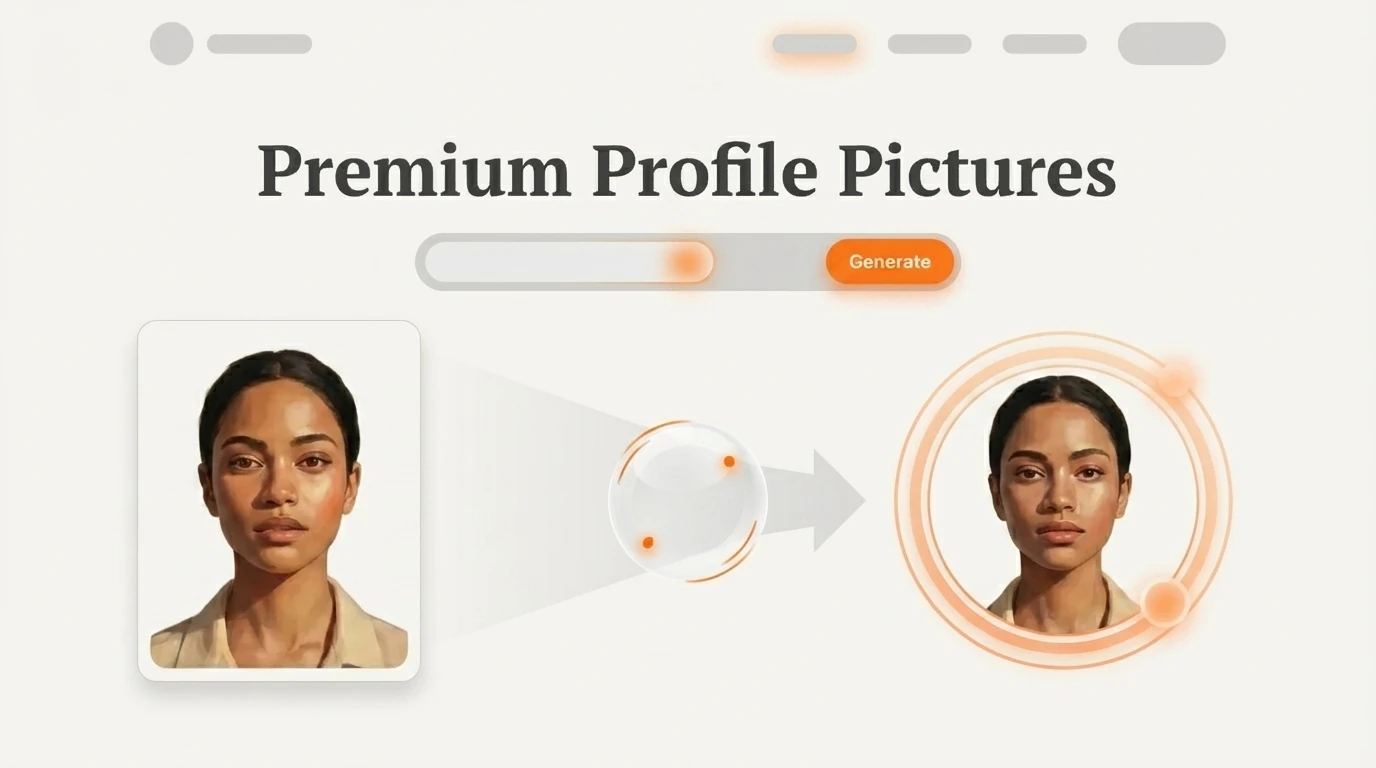
A powerful, free online tool that transforms any image into a perfect circle. Perfect for profile pictures, avatars, and design projects.
- Easy to UseSimply drag and drop your image, adjust the crop area, and download your perfect circle image.
- High Quality OutputGet crisp, high-resolution circular images with transparent backgrounds in PNG format.
- Privacy FirstAll processing happens in your browser - your images never leave your device.
Why Choose Circle Image Crop Tool
Get professional-quality circular images with our advanced cropping technology - no design experience needed.



How to Create Circle Images
Transform your images into perfect circles in just a few simple steps:

Powerful Features for Perfect Circles
Everything you need to create professional-quality circular images with ease.
Drag & Drop Upload
Simply drag your image file directly into the tool or click to browse and select.
Real-time Preview
See exactly how your circular image will look as you make adjustments.
Zoom Control
Zoom in or out to perfectly frame your subject within the circular crop area.
Rotation Control
Rotate your image to get the perfect angle for your circular crop.
High-Quality Output
Download crisp, professional-quality PNG images with transparent backgrounds.
Browser-Based Processing
All processing happens locally in your browser - no server uploads needed.
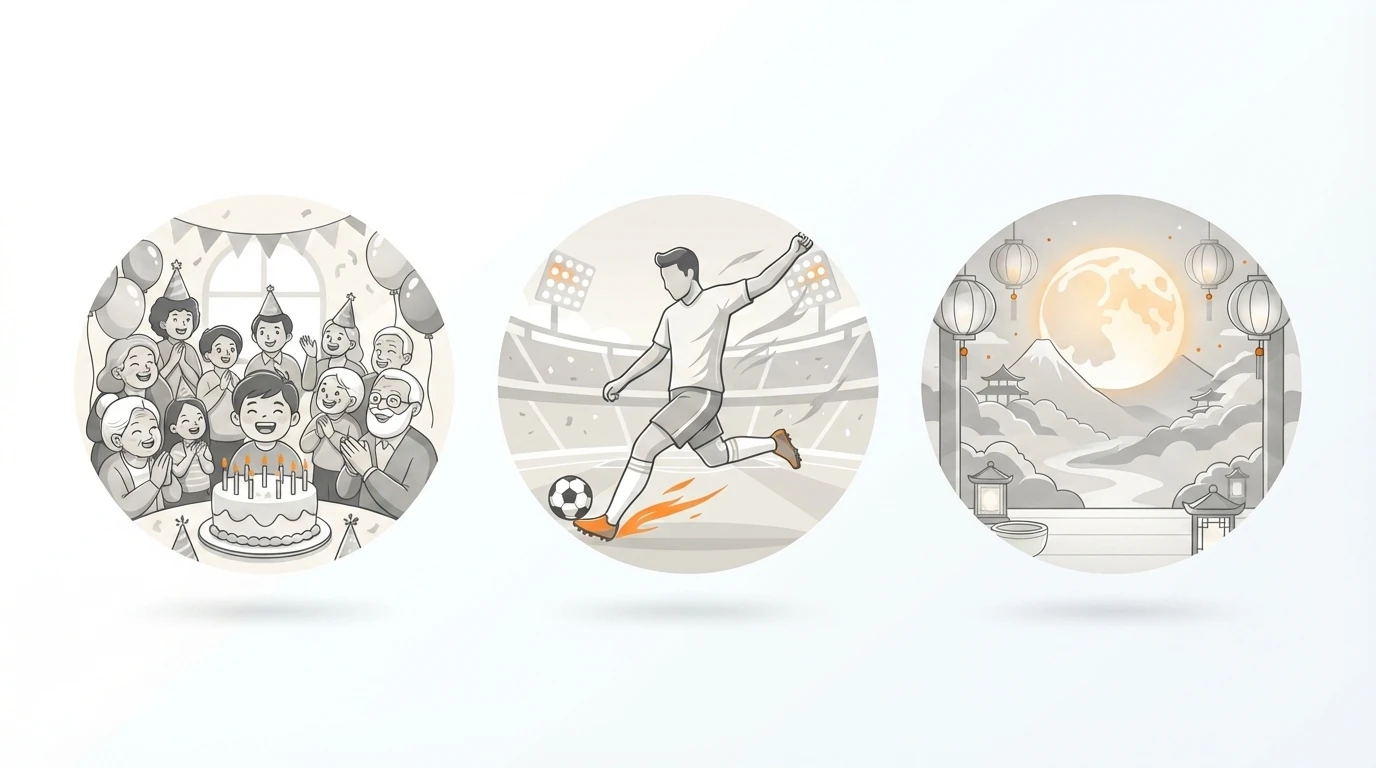
Perfect for Various Use Cases
Trusted by Creators Worldwide
Join thousands of users who create perfect circular images daily.
Images Processed
10K+
Daily
Happy Users
50K+
Worldwide
Processing Time
<1
Second
100% Free to Use
Our Circle Image Crop tool is completely free with no hidden costs or limitations.
Free Forever
All features included, no signup required.
Everything Included
- Unlimited image processing
- High-quality PNG output
- Drag & drop upload
- Real-time preview
- Zoom and rotation controls
- Privacy-first processing
- No watermarks
- Works in any browser
No signup required. Start using now!
What Users Say About Circle Image Crop
Hear from creators, designers, and businesses who use our circle image crop tool.
Sarah Johnson
Social Media Manager
This tool saved me hours of work! I can quickly create perfect profile pictures for all our social media accounts. The quality is amazing and it's so easy to use.
Michael Chen
UI/UX Designer
As a designer, I need clean, professional circular images for user avatars. This tool delivers exactly what I need with perfect quality every time.
Emma Rodriguez
Small Business Owner
I use this for my team's profile pictures on our website. It's free, fast, and the results look professional. Highly recommended!
David Park
Content Creator
Perfect for creating consistent branding across all my platforms. The drag-and-drop feature makes it incredibly user-friendly.
Lisa Wang
Marketing Director
We use this tool for all our marketing materials. The ability to process images locally means our sensitive brand assets stay secure.
Alex Turner
App Developer
Essential tool for creating app icons and user avatars. The quality is excellent and it integrates well into our design workflow.
Frequently Asked Questions
Everything you need to know about our Circle Image Crop tool.
What image formats are supported?
Our Circle Image Crop tool supports JPG, PNG, and GIF image formats for upload. The output is always a high-quality PNG with transparent background.
Is there a file size limit?
For optimal performance, we recommend images under 10MB. Larger files may take longer to process but are generally supported by our tool.
Do you store my images on your servers?
No, all image processing happens locally in your browser. Your images never leave your device, ensuring complete privacy and security.
Can I use the cropped images commercially?
Yes, you can use the images you create with our Circle Image Crop tool for any purpose, including commercial use. You retain all rights to your images.
Do I need to create an account?
No account is required! Our Circle Image Crop tool is completely free and works without any registration or signup process.
What's the output quality of Circle Image Crop?
The output maintains the original image quality and resolution. We use advanced canvas processing to ensure crisp, professional results with transparent backgrounds.
Start Creating Circle Images Today
Transform your images into perfect circles in seconds - completely free!